
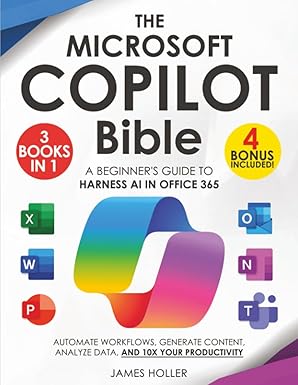
James Holler covers Microsoft Copilot across the full Office 365 suite in a single beginner-friendly resource, walking through workflow automation, content generation, data analysis, and productivity applications in Word, Excel, PowerPoint, Outlook, and Teams. A practical, comprehensive starting point at 200 pages for business users serious about getting real value from Copilot.
Availability:
In StockMicrosoft Copilot has been integrated across the Office 365 suite — Word, Excel, PowerPoint, Outlook, Teams, and more — turning what was familiar productivity software into something considerably more capable for users who understand how to use the AI layer effectively. The Microsoft Copilot Bible consolidates that learning across the full suite in a single three-in-one resource, giving beginners a structured path through Copilot’s capabilities without having to piece together guidance from scattered tutorials and documentation. James Holler covers how to use Copilot to automate repetitive workflows, generate and refine content across different applications, analyze data in Excel with AI assistance, and generally work at a level of productivity that would have required significantly more time and effort without the AI layer. The “bible” framing is appropriate in the sense that the book attempts genuine comprehensiveness rather than picking a few high-profile use cases and stopping there — readers who work their way through it should have a solid, practical command of Copilot across the applications they use most rather than expertise in one corner of the suite. At 200 pages, it stays accessible and efficient rather than exhaustive, suited to business users who want to get up to speed quickly rather than wade through an encyclopedic reference. For Office 365 users who want to genuinely integrate Copilot into their daily work across the full suite and start seeing real productivity gains, this provides a clear, beginner-friendly starting point.
Author: James Holler



Reviews
There are no reviews yet.